

Build a Smart Pomodoro Productivity Timer: Web Development Tutorial | AI Valley
Welcome to another step-by-step tutorial from the technical team at AI Valley! Situated right here in Zirakpur, AI Valley is the premier hub where young minds and ambitious adults build real-world tech projects to master practical software engineering skills. Today, we are diving into the exciting world of web development to create a highly interactive and useful application: a Smart Pomodoro Productivity Timer.
If you have been searching for the best coding classes for kids in Zirakpur, you will absolutely love this guide. This project perfectly mirrors the hands-on approach we take in our Tricity coding camps. You won't just be copying code; you will learn the foundational pillars of the web—HTML, CSS, and JavaScript—all while building a productivity tool you can actually use in your daily life.
🎯 What You Will Build and Why It Matters
The Pomodoro Technique is a globally recognized time management method developed in the late 1980s. It breaks work down into intervals, traditionally 25 minutes in length, separated by short 5-minute breaks. This method trains your brain to focus intensely without burning out.
In this comprehensive tutorial, you will build a sleek, web-based Pomodoro Timer that features a live countdown display, functional Start, Pause, and Reset controls, and an automated audio alarm system when your study time is up.
When parents ask our expert instructors about the best coding classes for kids in Chandigarh, we always emphasize the importance of building tools that solve real-world problems. Projects like this Pomodoro timer are a staple in our foundational curriculum because they teach conditional logic, user interface (UI) design, and practical state management all at once.
📋 Prerequisites & Materials
To build this application, you won't need to purchase any expensive software or complex licenses. All you need is a basic computer setup:
Let's get coding!
Step 1: Setting Up the HTML Structure
Every web application starts with a solid foundation. In web development, HTML (HyperText Markup Language) serves as the skeleton of our app. Students taking our web development courses often start by structuring their apps with semantic HTML to ensure everything is organized logically before applying any visual designs.
First, create a new folder on your computer desktop called pomodoro-app. Inside this new folder, create a file named index.html. Open this file in VS Code and add the following code:
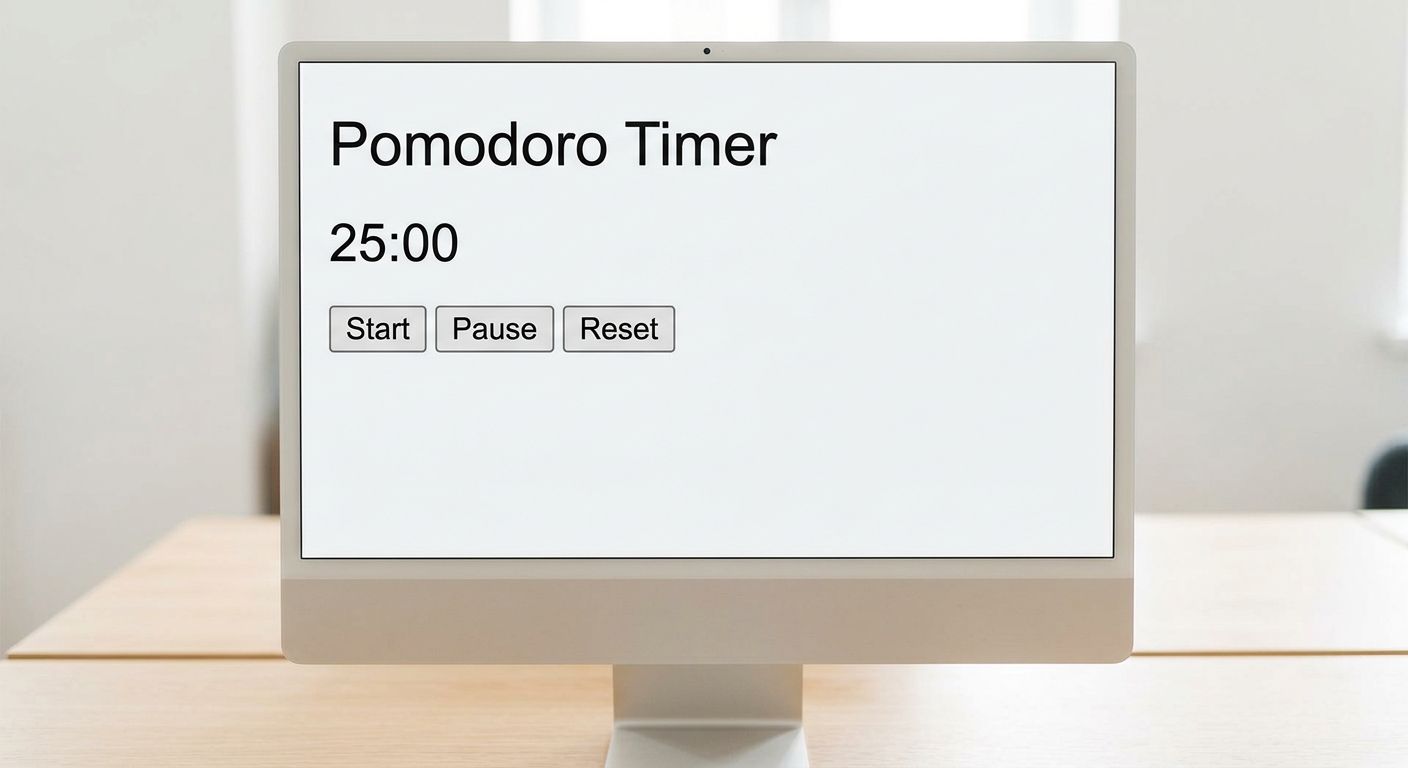
A screenshot of plain HTML text on a browser showing the unstyled structure of the Pomodoro timer controls and text.
What this code does:
This code constructs the core layout of our web page. We start with the standard HTML5 boilerplate. Inside the. This acts as a "card" holding all our elements together.Inside this container, we place an with the ID time-display (which will eventually hold our live ticking numbers), and a section grouped for our control buttons. Notice the